

Record and transcribe anything.Turn it into knowledge.
Meetings, interviews, lectures and voice notes, transcribed and summarized in one library. Ready for the AI tools you already use.


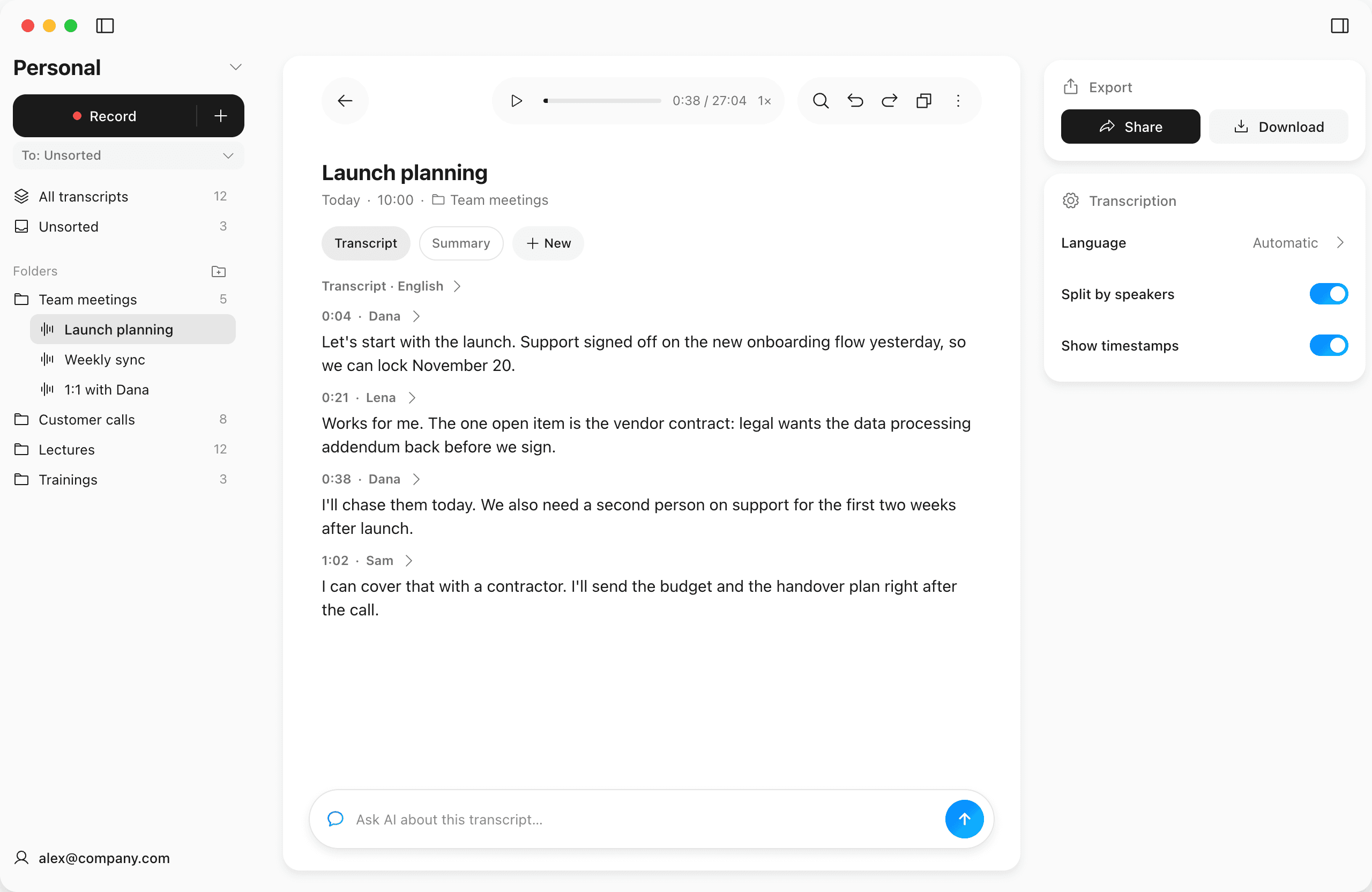
Works on all platforms, no meeting bots
SpeakApp transcribes your computer's audio directly, with no meeting bots joining your call. Connect Google Calendar to get a reminder before each meeting and start recording in one click.
 Google Meet
 Zoom
 Microsoft Teams
 Slack
 Discord
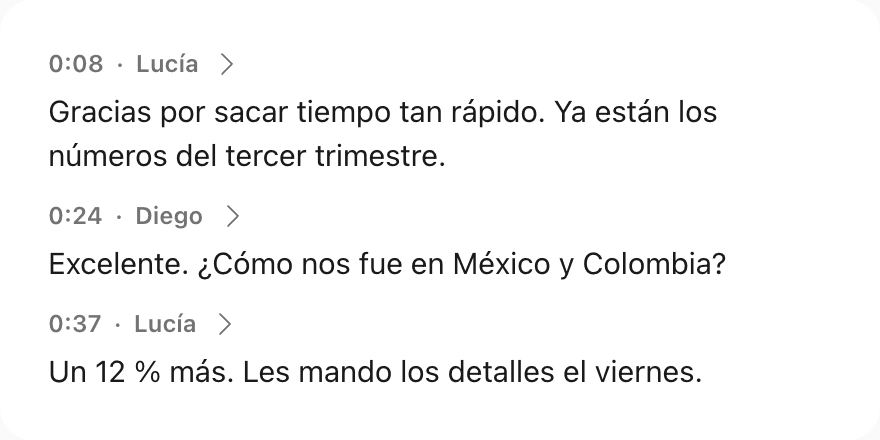
High accuracy in 50+ languages
SpeakApp uses the best speech models on the market. Recognition is accurate in English and European languages, as well as in Japanese and Arabic.
- 50+ languages for transcription
- Automatic language detection
- Automatic speaker labeling
Why people love SpeakApp
Hear from the people who use SpeakApp every day to transform their communication
60K ratings on the App Store
Ready to work with your AI agents
Connect SpeakApp to Claude, ChatGPT, Codex or Cursor over MCP and work on your tasks with the full context of your meetings and recordings.
How to connect Claude
 ChatGPT
 Codex
 Cursor
 MCP
A workspace for teamwork
Shared folders for meetings and calls. One bill, priced per seat.
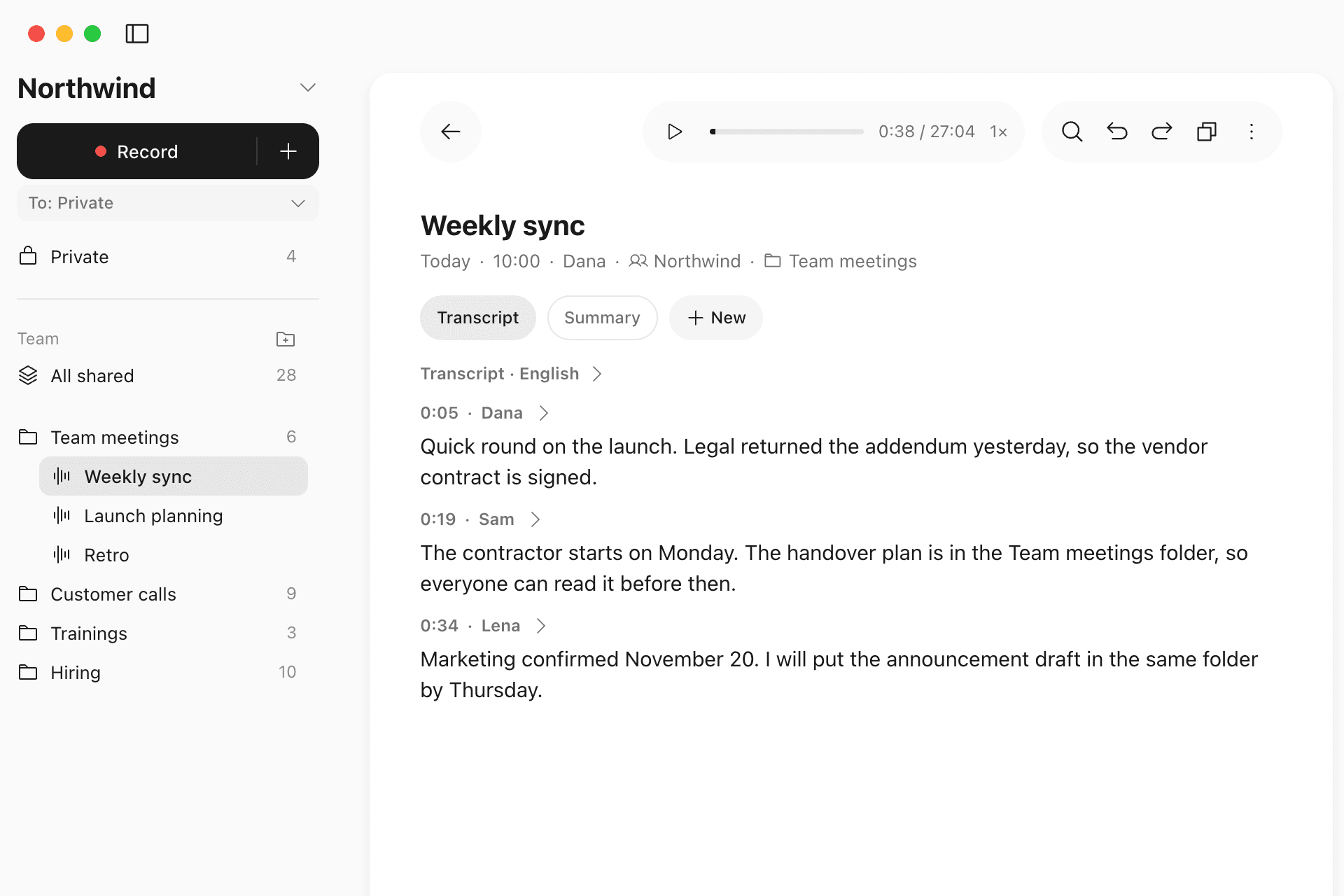
Shared folders
Meetings and knowledge available to the whole team.
Private stays private
Your recordings stay yours until you share them.
One bill
Pro features for every seat. Add or remove seats any time.
How SpeakApp works
Transcribe with 99% accuracy
Hit record in a call or in the room, or drop in a file. A few minutes later the transcript is ready: timestamps, speakers told apart and the audio playable right next to the text.
Transcribe now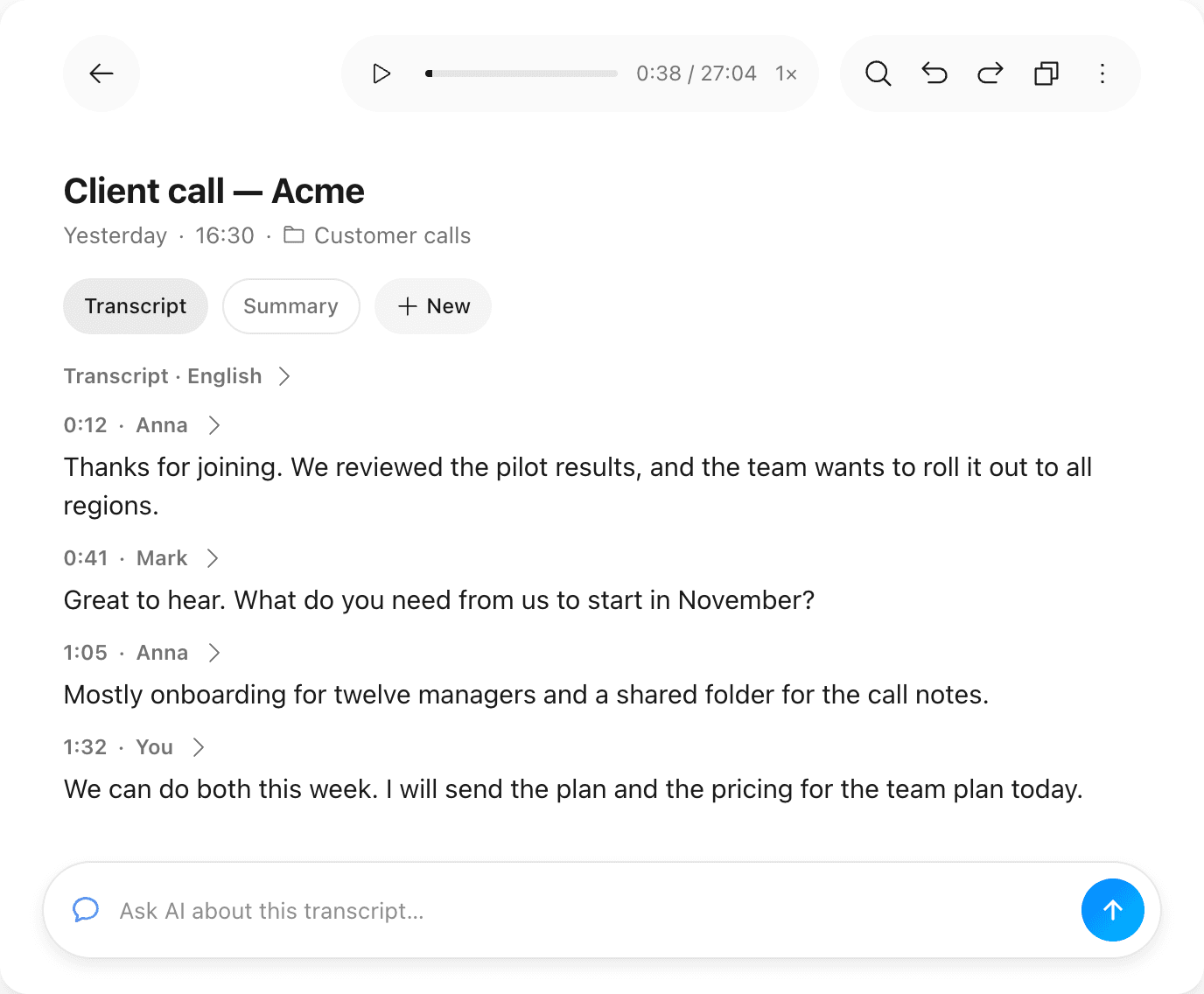
Import recording from other apps
Have a recording in another app? Simply import it to SpeakApp and get instant transcription.
Import your recordings
Turn meetings into clear summaries in seconds
Record your discussions, and SpeakApp will turn them into a concise summary with key points. For other tasks, pick one of the ready-made templates.
Start recording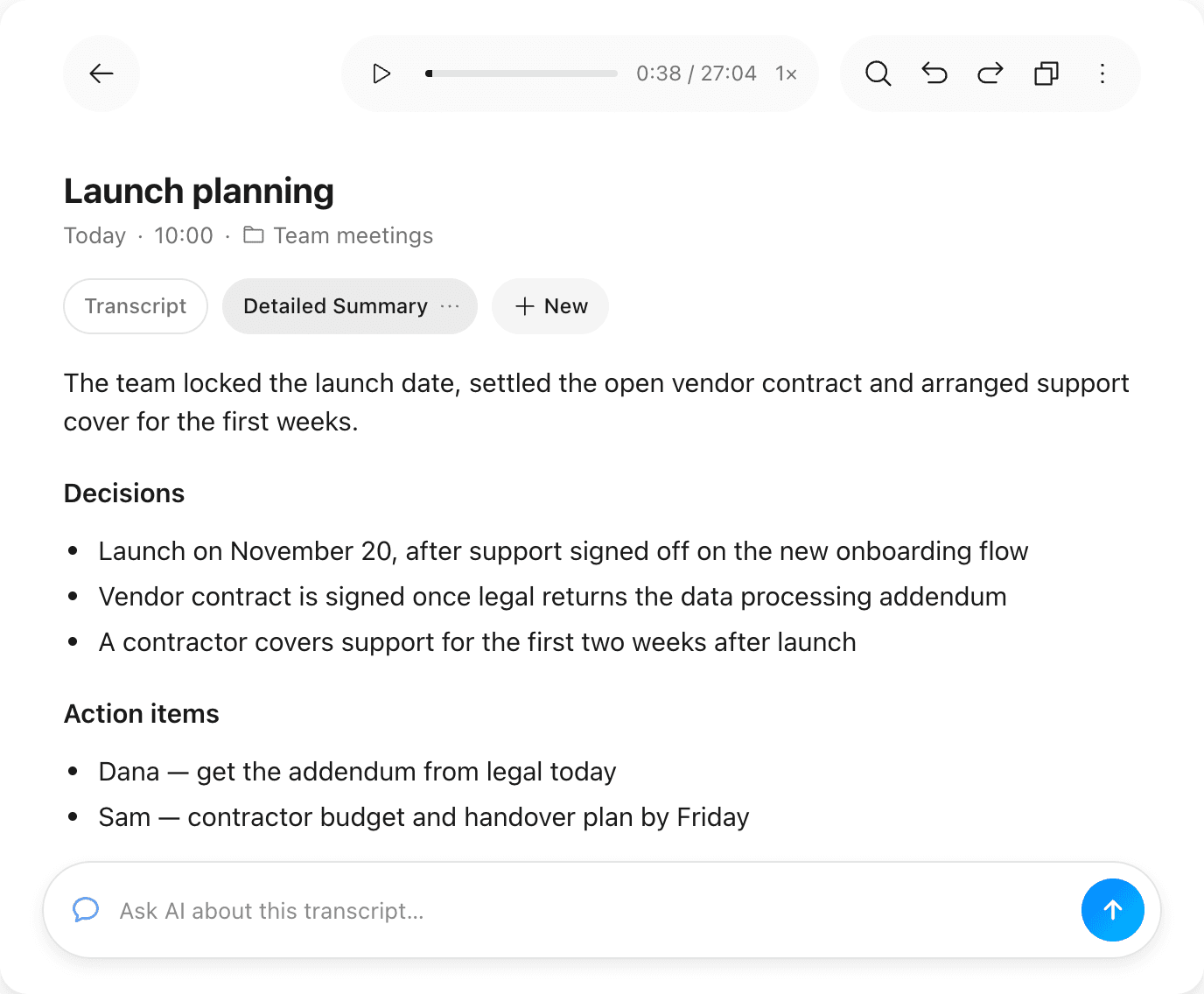
Create blog post with your voice
Content creators, say goodbye to the hassle of typing out your blog posts. With SpeakApp, your spoken ideas are instantly ready for publishing, enabling you to create content effortlessly, wherever inspiration strikes.
Start creating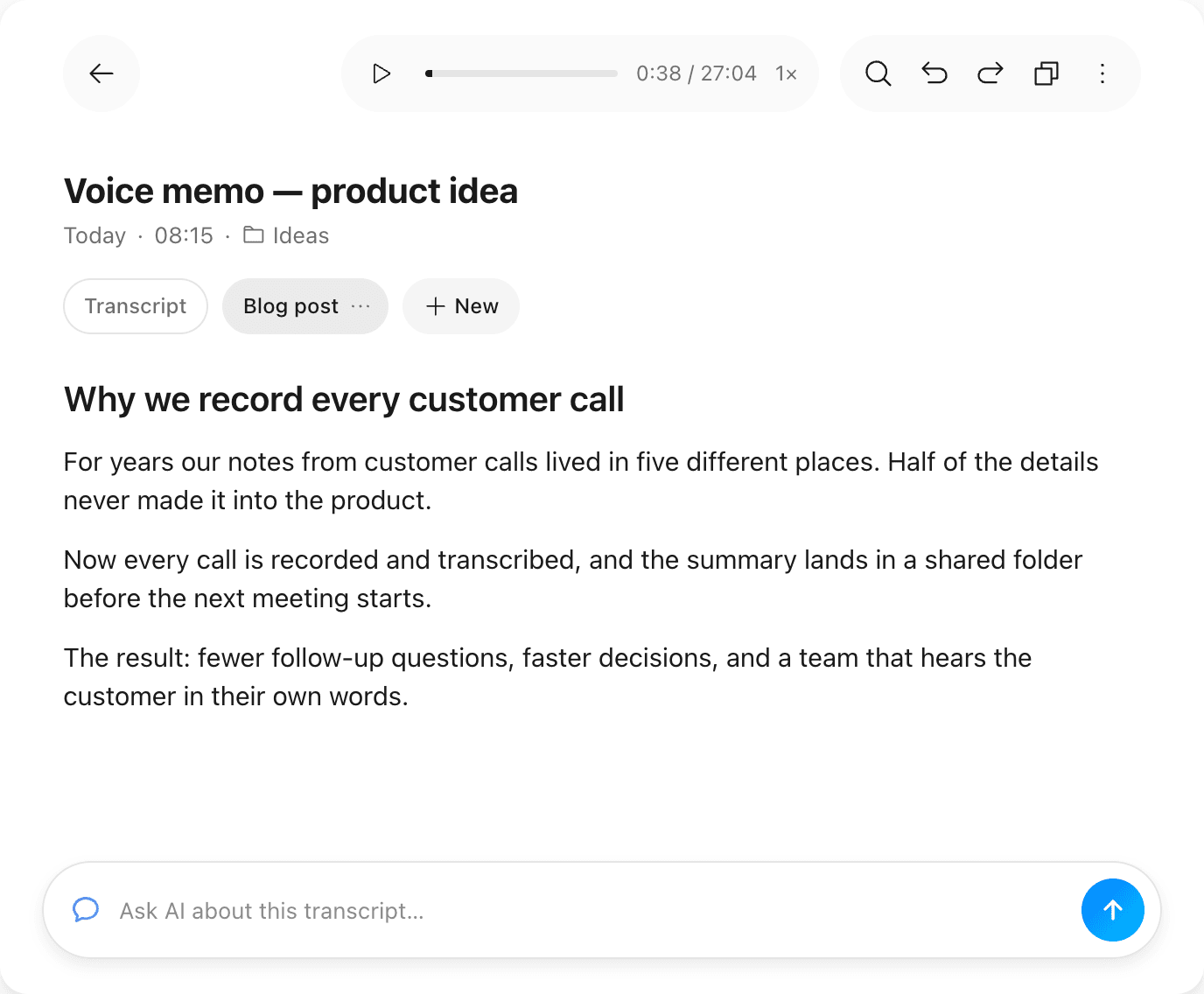
Translate your voice in 50+ different languages instantly
SpeakApp automatically detects your language and can transcribe it in the same language or instantly translate it into 20 languages. Write professionally in a foreign language by simply speaking in your own language.
Get your translations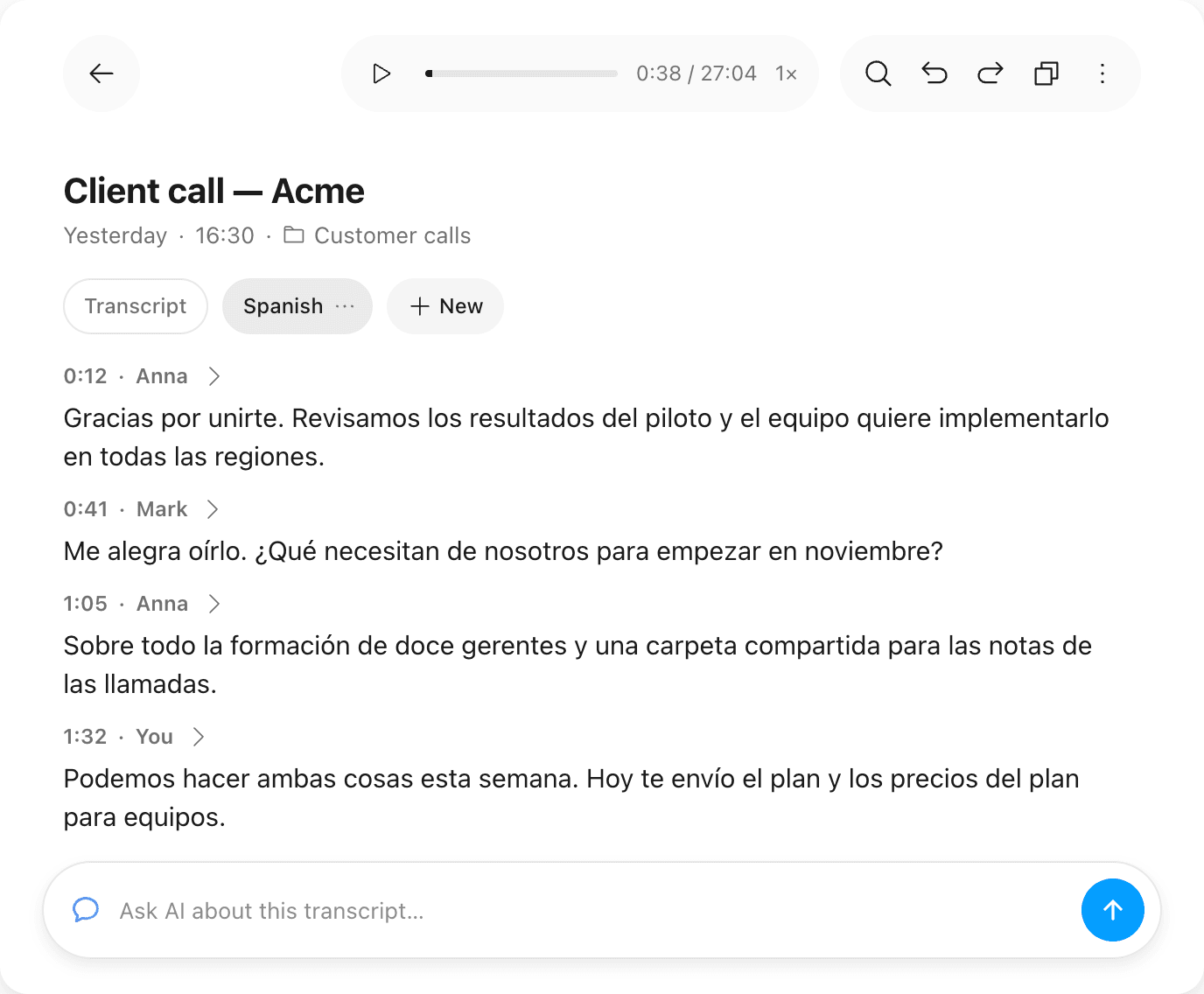
We built our app for many use-cases
Everyday Users
Turn voice into text for notes, tasks, or messages on the go, keeping life organized and clear.
Students & Learners
Record lectures and study materials with ease, focusing on learning, and not just note-taking.
Professionals
Boost productivity with meeting notes and voice-driven emails, ensuring every word counts.
Consultants & Coaches
Document client details accurately and quickly, improving your services and saving time.
Content Creators
From thought to published content, speak your ideas into existence wherever inspiration strikes.
Legal Practitioners
Lawyers & Paralegals transform consultations and legal proceedings into searchable text.
Interviewers & Researchers
Interviews and focus groups come back with every speaker told apart and named.
Writers & Developers
Dictate a draft or a note and paste the finished text into Slack, Notion, email or your code editor.
Teams
Share meetings in team folders and pay for every seat on one bill.
Private by design
Capturing things you say and write means trust and privacy are more important than anything else.
See our privacy policyUse without creating an account
You can use SpeakApp without creating an account, providing your email, or sharing any personal information.
Encrypted
All server communication for transcription and AI editing purposes is encrypted.
Simple Data Management
You can delete all of your recordings in one tap from the app’s settings.
Get the app
Record a meeting, a lecture or a voice note and get the transcript and the summary on every device you sign in to. Free to start, no account needed.
More resources
View SpeakApp Blog →Meeting summary
Launch moves to September 14
- Support signed off on the date
- Final copy due Friday
The Best MCP for Meetings
A practical look at the MCP servers worth connecting if your work revolves around meetings. MCP that gives Claude and ChatGPT the missing memory layer.
Transcript
Client call — Acme
- Anna 00:12 · Let's lock the 14th
- Mark 00:41 · Copy by Friday
Transcribe Lectures
Record and transcribe lectures with the this powerful AI recorder app.
Voice note
Blog draft in one take
- 3:41 recorded on the way home
- Rewritten as a post in 8 sec
Voice Notes - Take Notes with Your Voice
Best AI Voice Notes App. Instant transcription, summarization, and AI editing options. Easy to use.